> ## Documentation Index
> Fetch the complete documentation index at: https://docs.xynehq.com/llms.txt
> Use this file to discover all available pages before exploring further.
# Ingesting Data
> Ingest data into Xyne
This guide assumes you have created the required authentication keys, and will show you how to ingest your data into the Xyne application.
If you're running the application individually and just trying it out, we recommend using OAuth authentication.
Service accounts are better suited for organizations.
You only need one type of Authentication, either OAuth Authentication \[best suited for individual users] or Service Account Authentication \[best suited for organizations].
If you haven't already setup the authentication, follow this guide below :
Authenticate with Oauth Account.
Authenticate with Service Account.
## Connect to Google Integration and ingest data:
Once you have setup the authentication keys and have started the application, you will see your application running in the browser.
* Once you login with your google account successfully, this screen will appear :
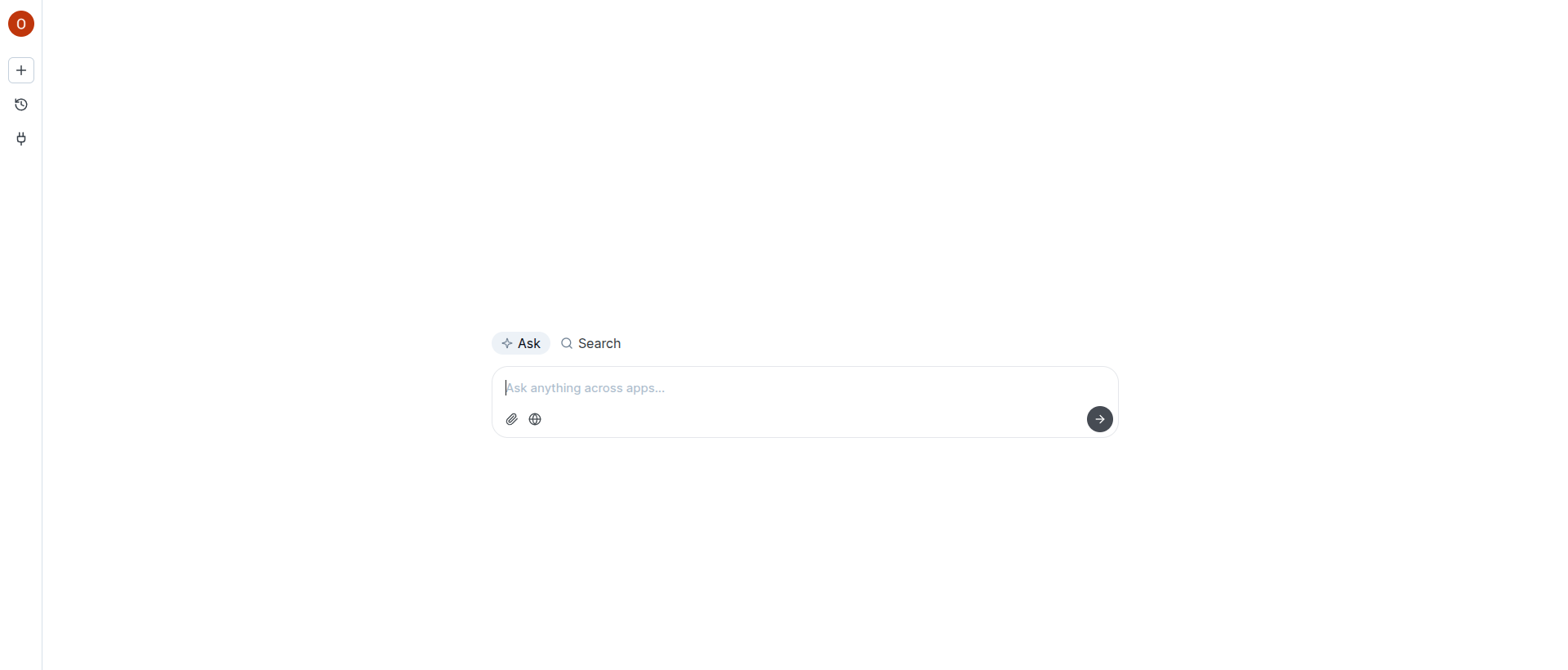 * On the left you will find a `plug` icon. That's our connector.
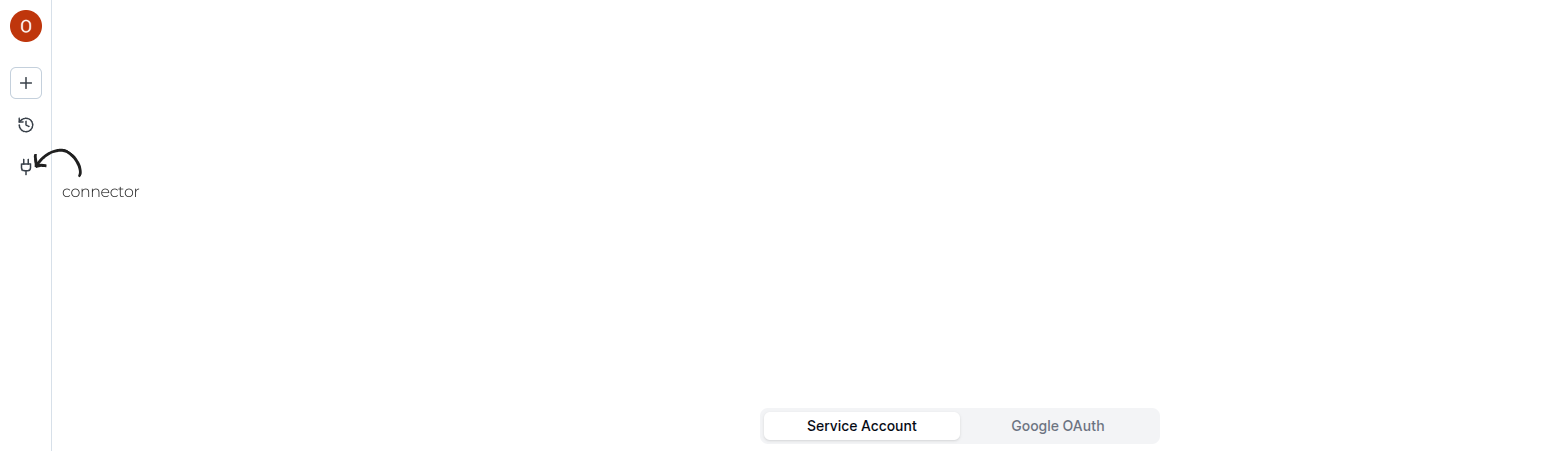 * Now depending on which authentication key you have configured, you can choose ingestion using `Oauth Account` or ingest using `Service Account`.
Ingestion with Oauth Account.
Ingestion with Service Account.
* Now depending on which authentication key you have configured, you can choose ingestion using `Oauth Account` or ingest using `Service Account`.
Ingestion with Oauth Account.
Ingestion with Service Account.