> ## Documentation Index
> Fetch the complete documentation index at: https://docs.xynehq.com/llms.txt
> Use this file to discover all available pages before exploring further.
# Ingest with Service Account
> Ingest data using Service Account key
This guide shows you how to ingest data using the service account key :
When you switch to the service account tab in the connectors page, you'll come across this form :
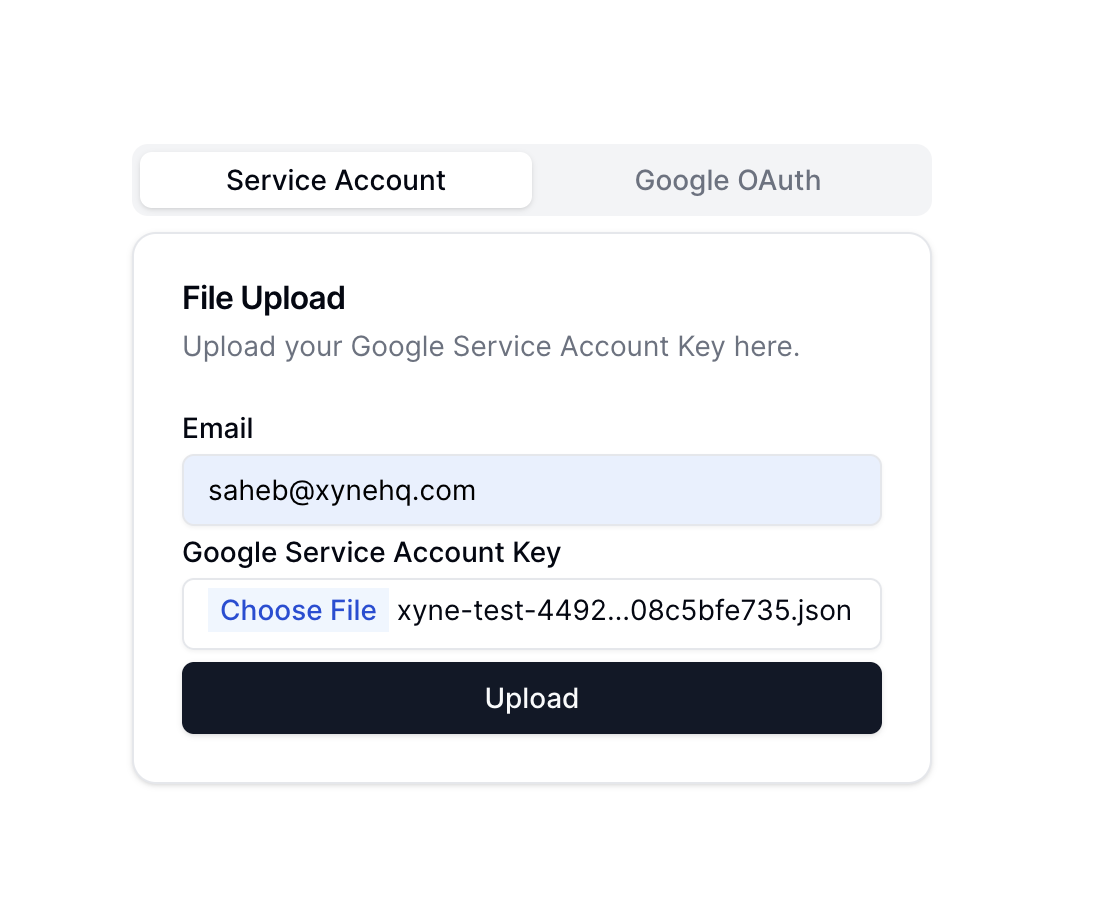 Here, you need to enter the service account email along with the service account key, i.e., the `service-account.json` file that you had created when creating the service account key.
Once you have uploaded the file, click on `Upload`. This will start the ingestion with the service account :
Here, you need to enter the service account email along with the service account key, i.e., the `service-account.json` file that you had created when creating the service account key.
Once you have uploaded the file, click on `Upload`. This will start the ingestion with the service account :
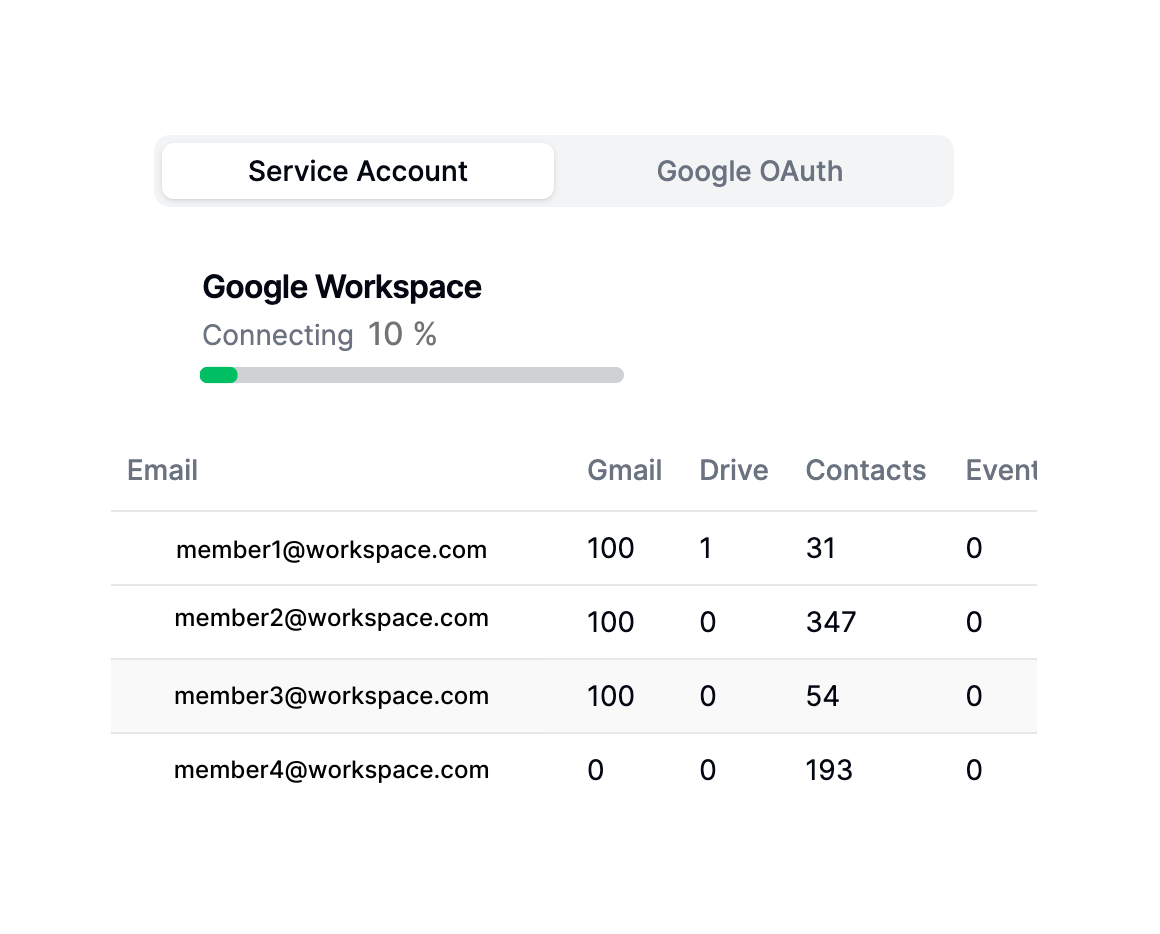 Once the ingestion has completed, you can go back to the Xyne App's Chat Or Search section using the `+` icon on the left side menu.